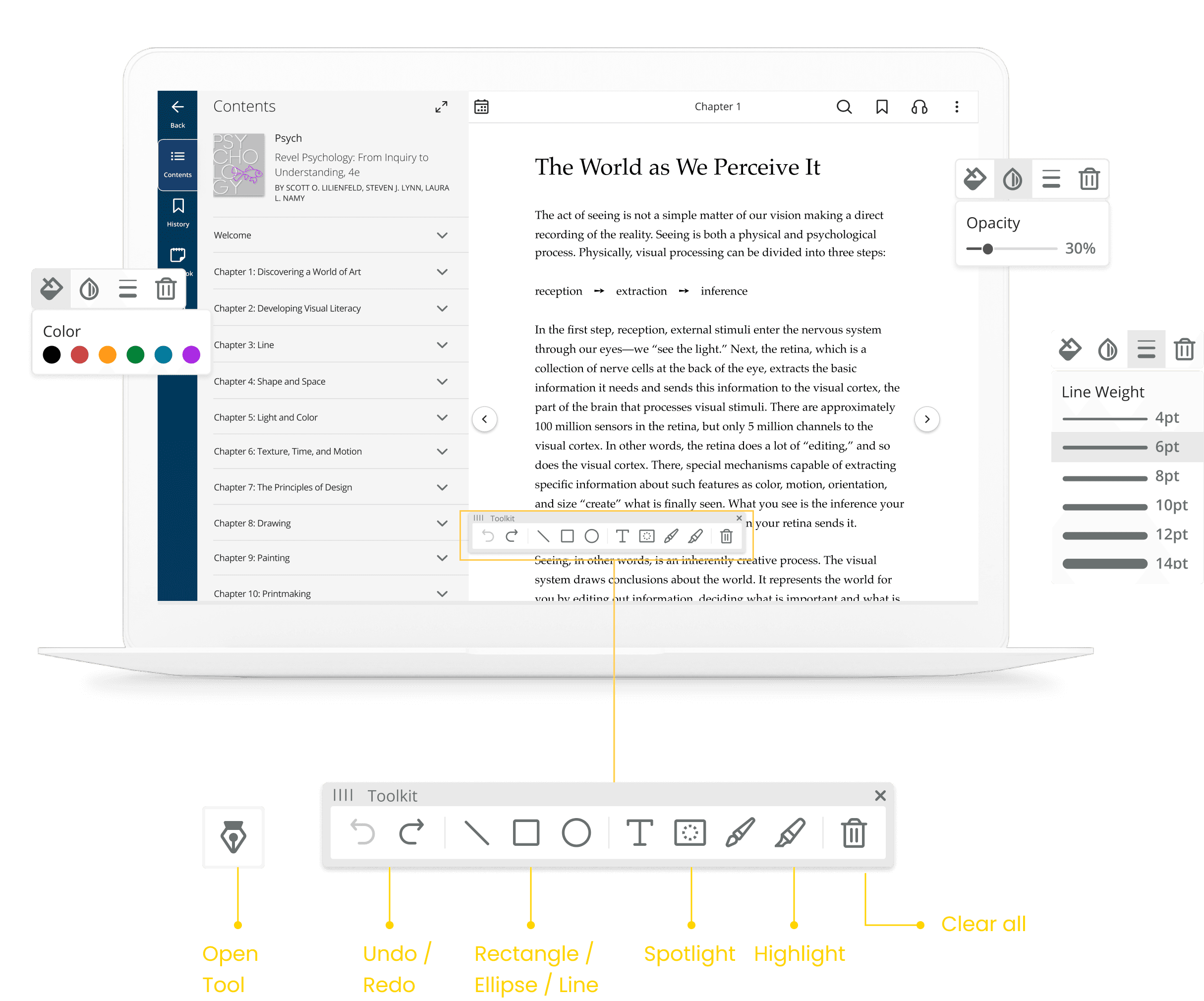
Pearson: eText
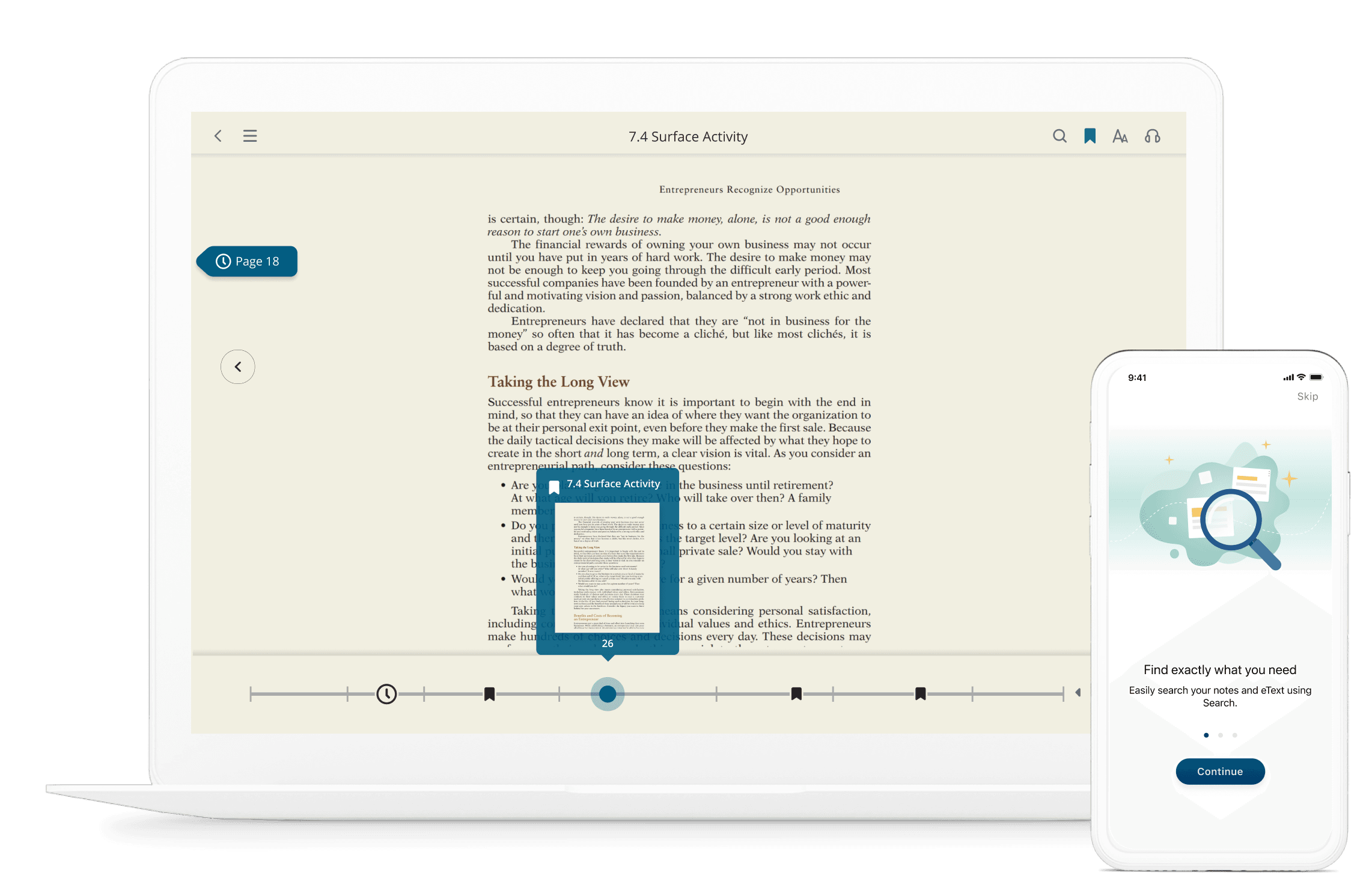
Scrubber
Research Finding
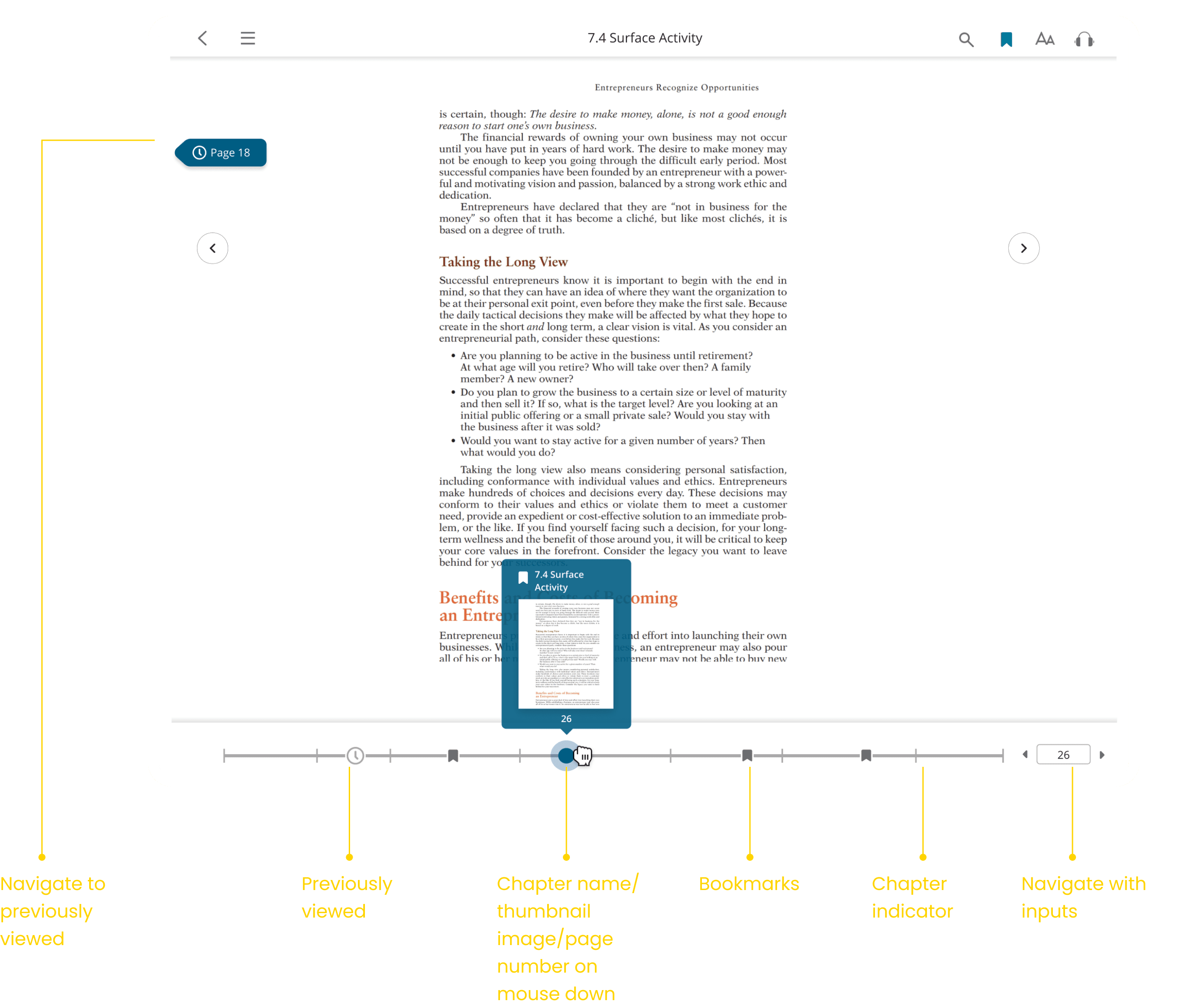
Students love the fact that they can navigate the entire book through this new timeline which indicate the bookmarks.
Many students like to have paper book with eText side by side to compare. Adding the page input is very beneficial for users to jump through content
Students love to use eText in their mobile phone and to have accessible mobile UI is very important

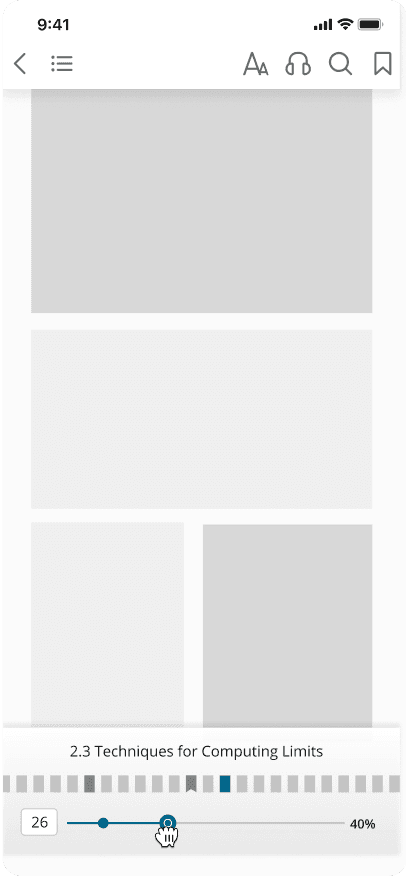
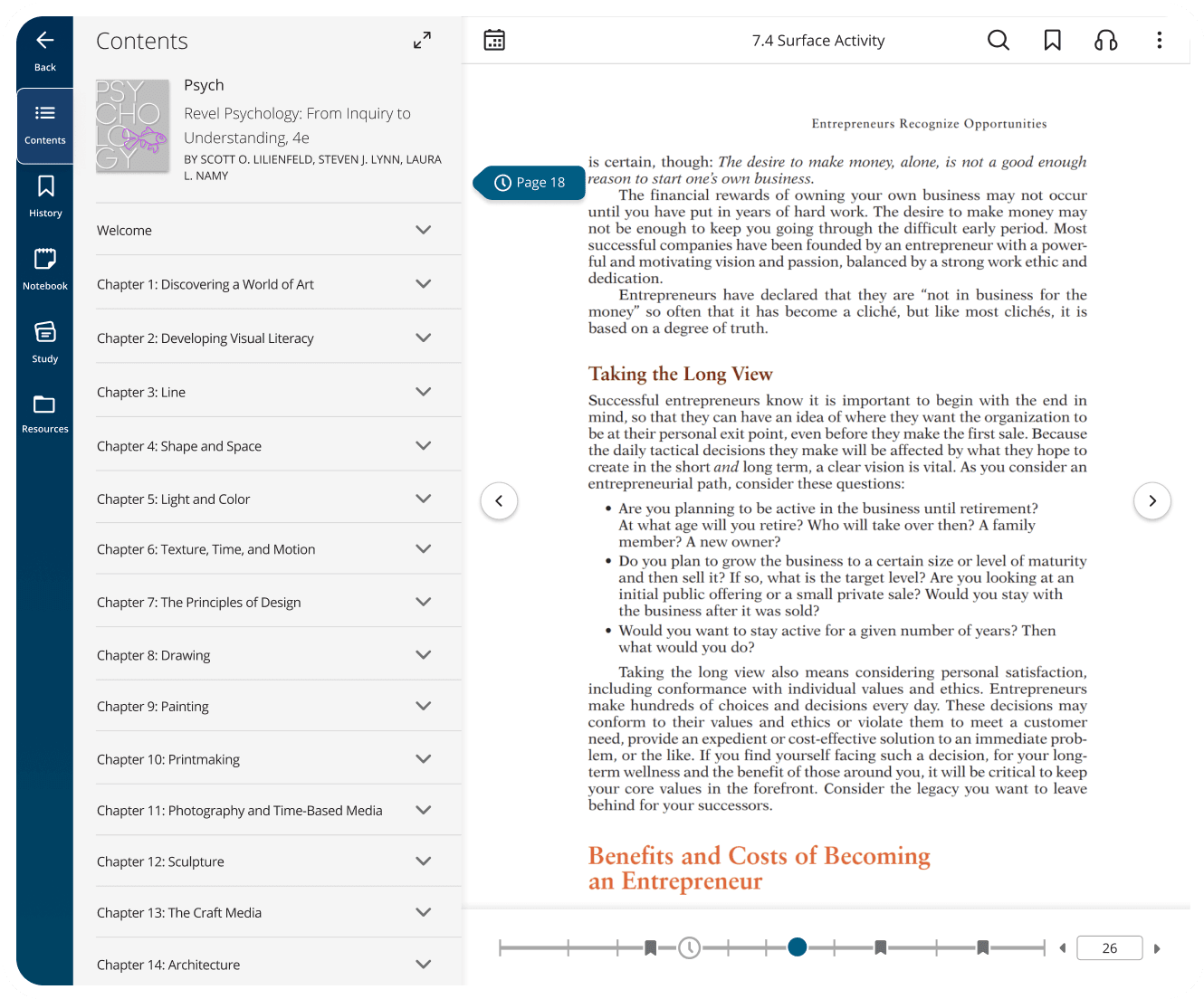
Access to Chapter list and additional features in eText
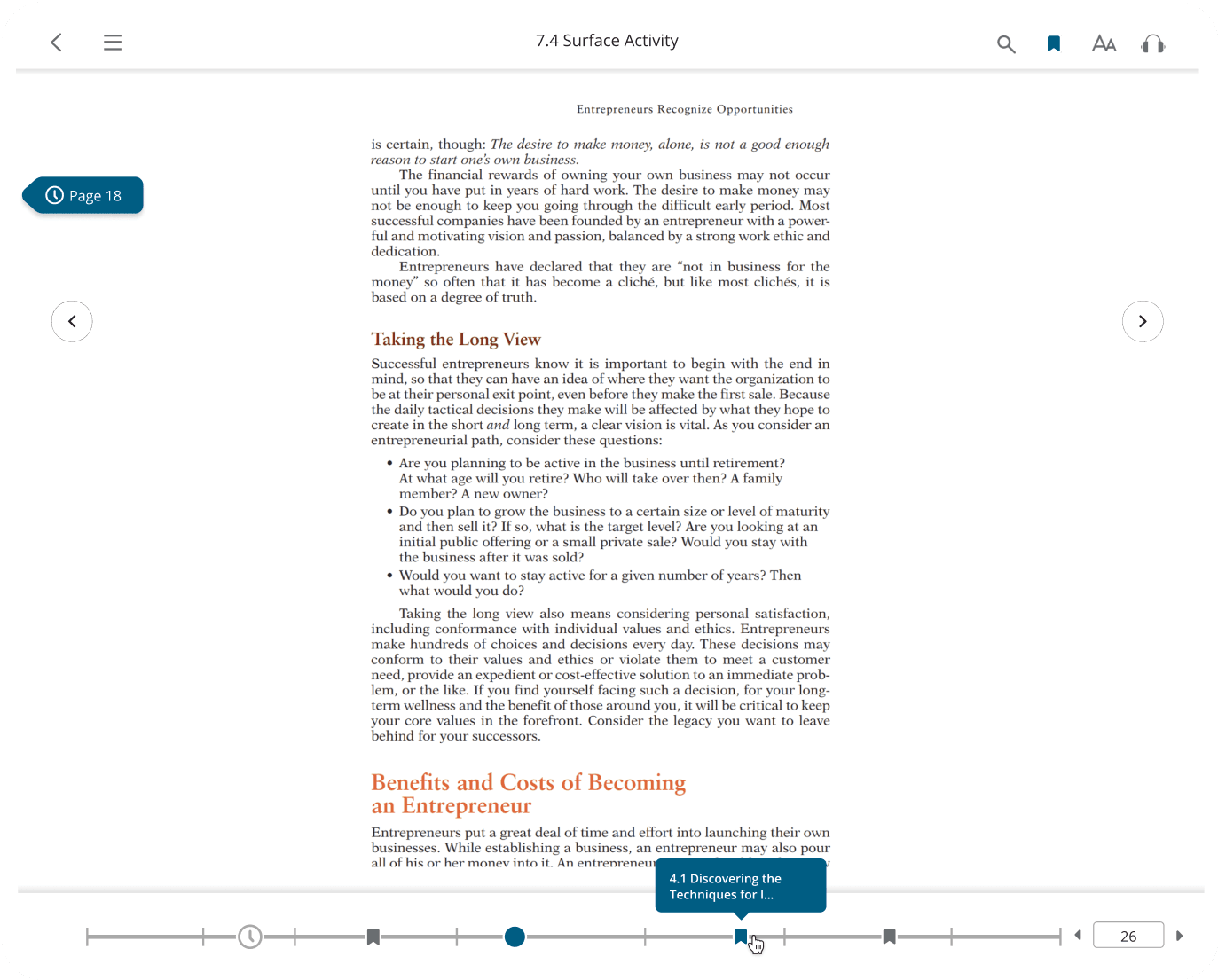
Hover to show chapter information
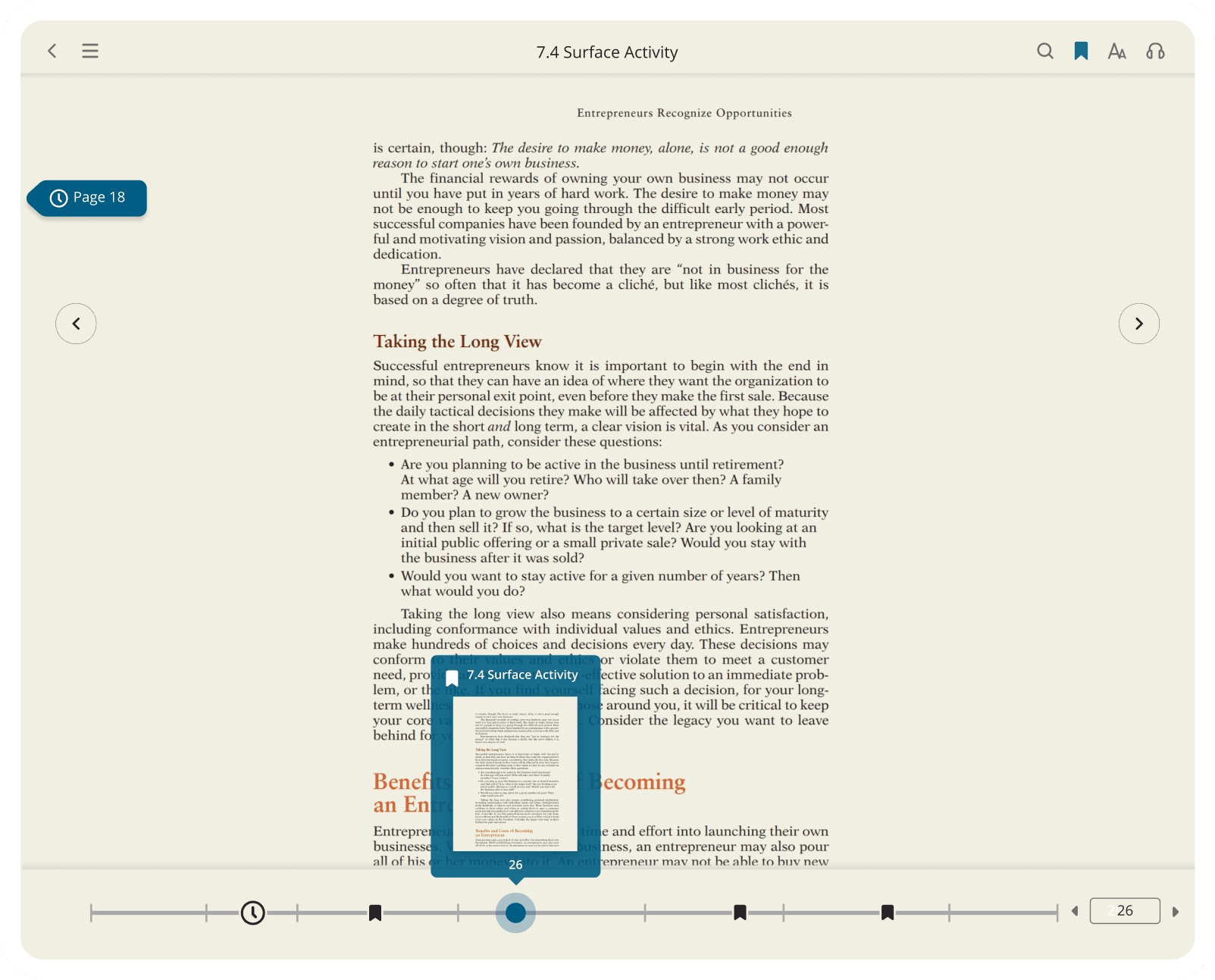
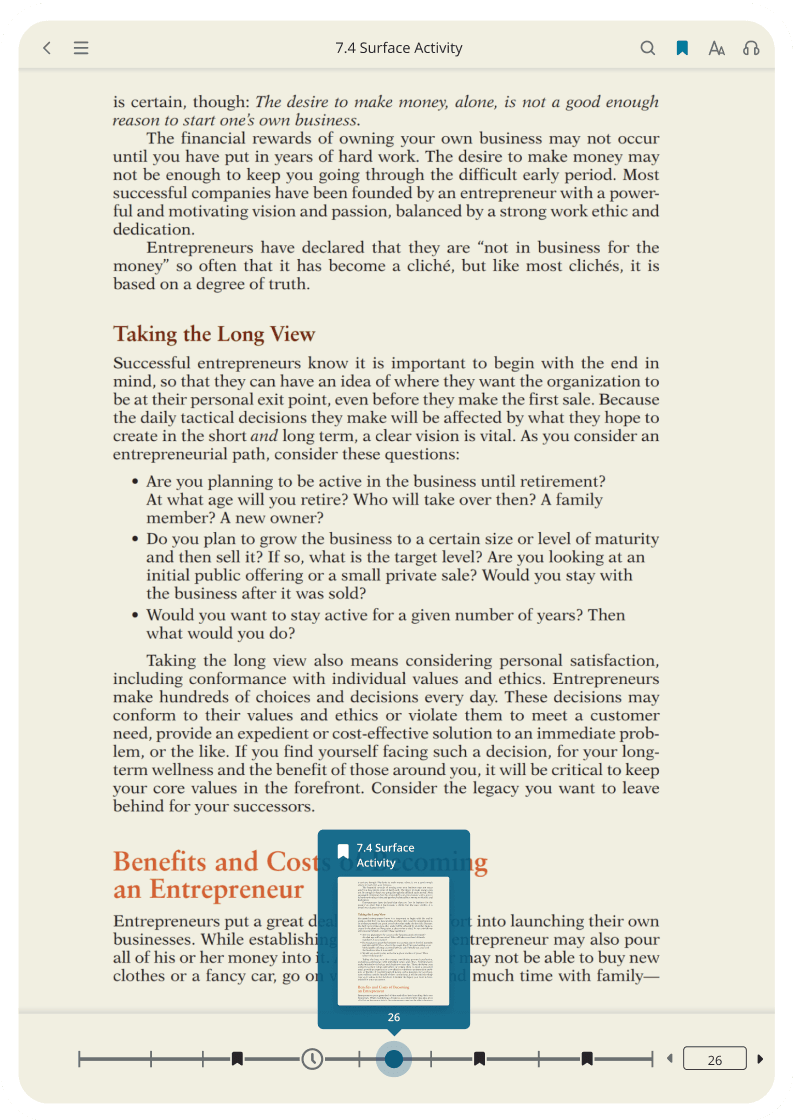
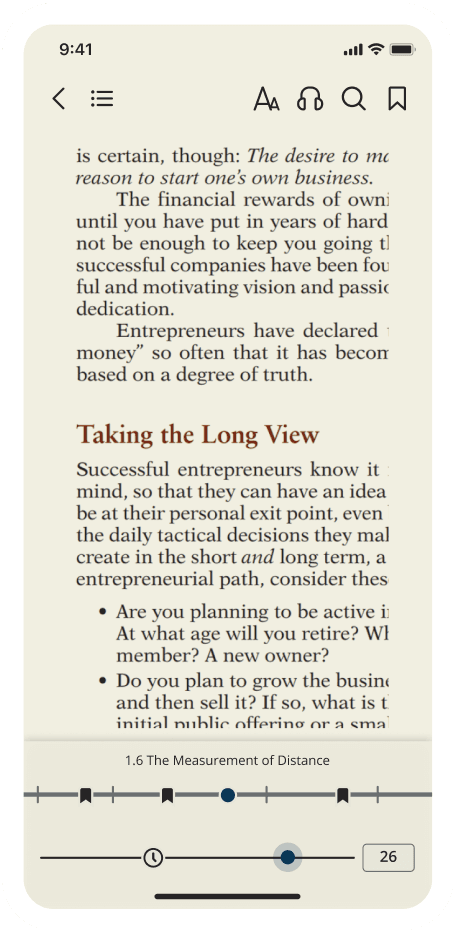
responsive design
Transferring design into all screen size is a challenge. I removed the thumbnail preview and hover on effect in mobile and simplify the design in smaller screen.
Unboxing
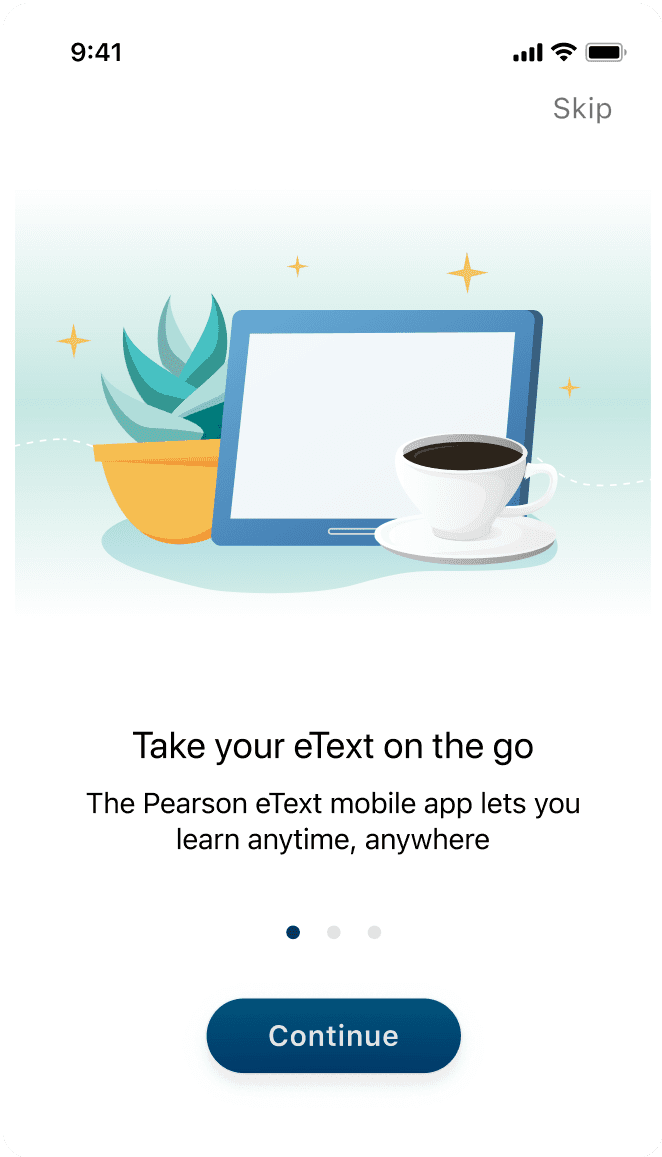
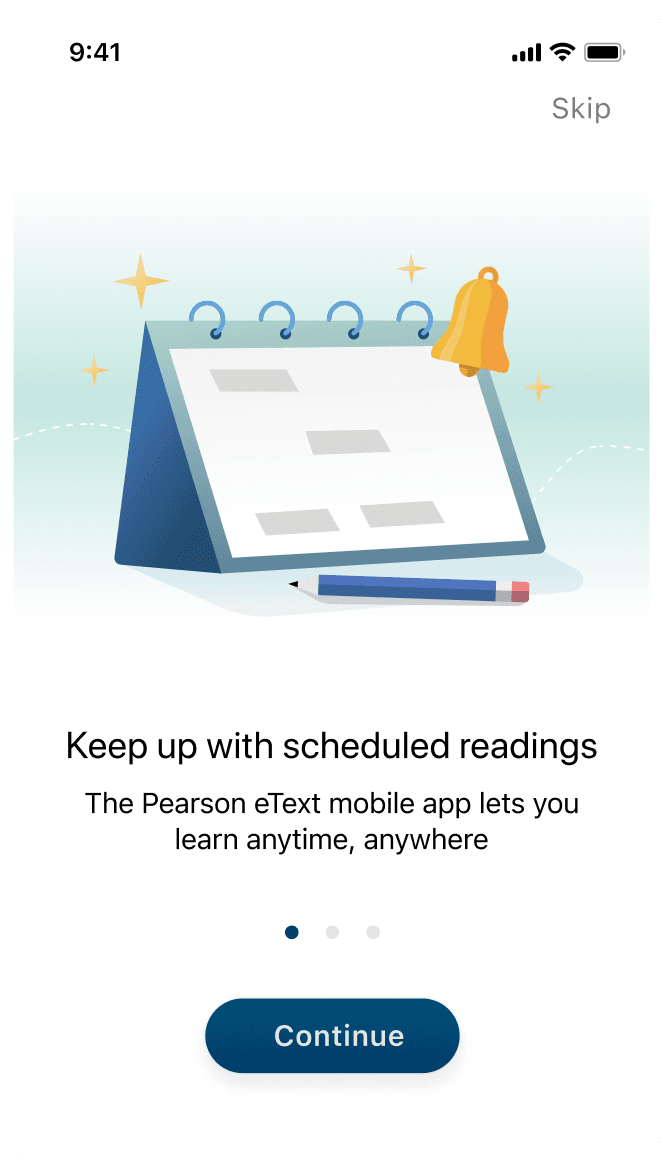
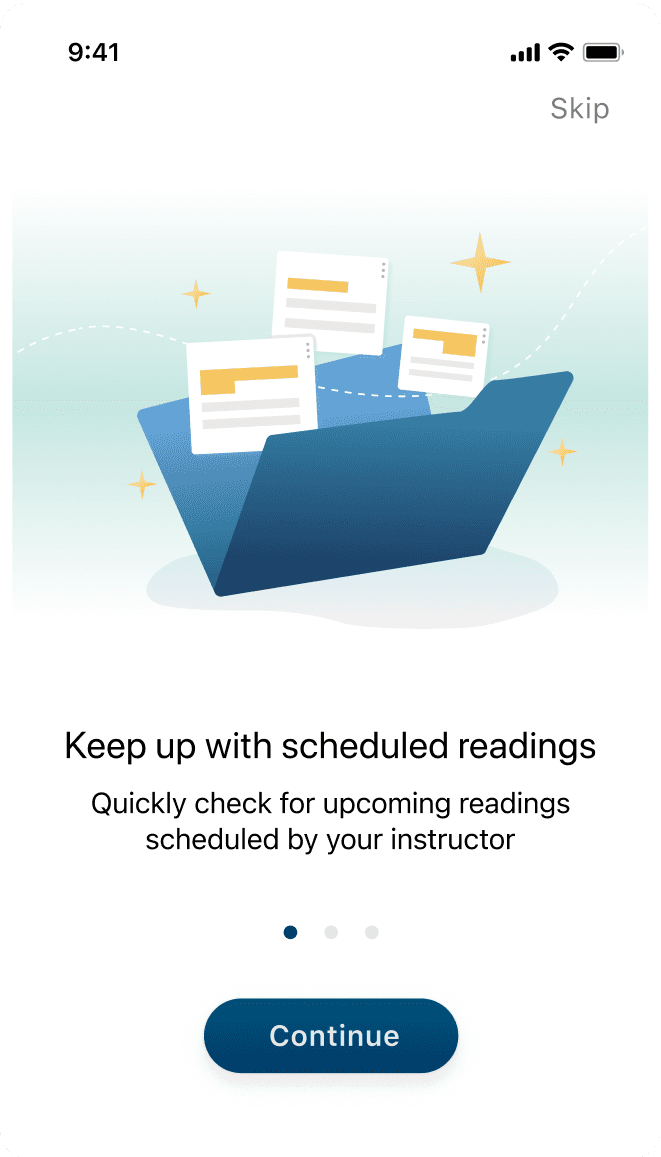
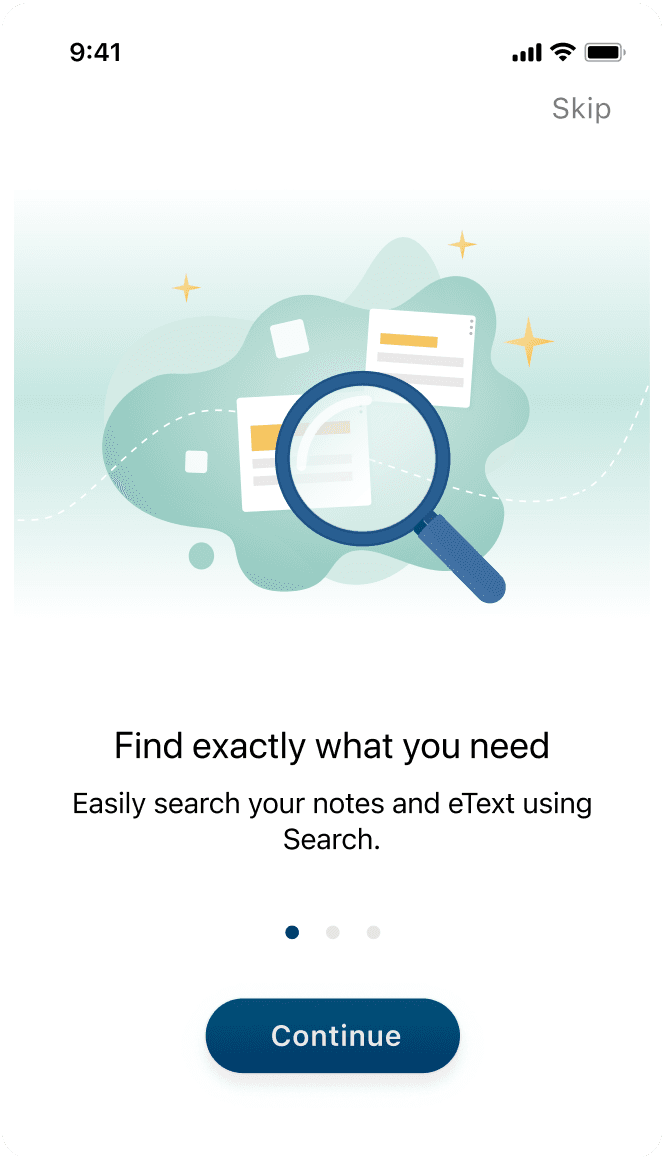
Welcome messages
The design helps users keep an eye towards their end goal and motivate them to complete eText onboarding experience in order to start using the app.
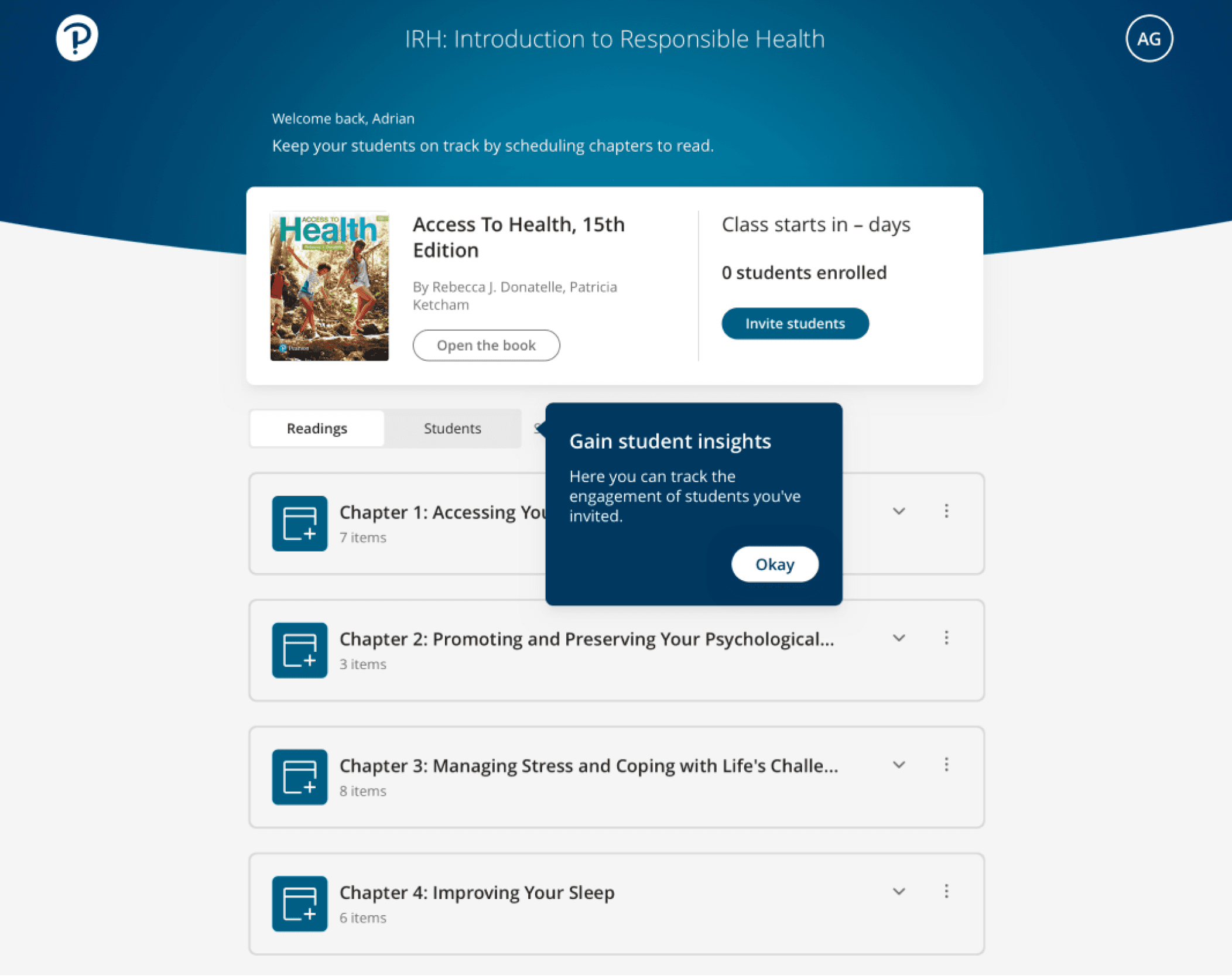
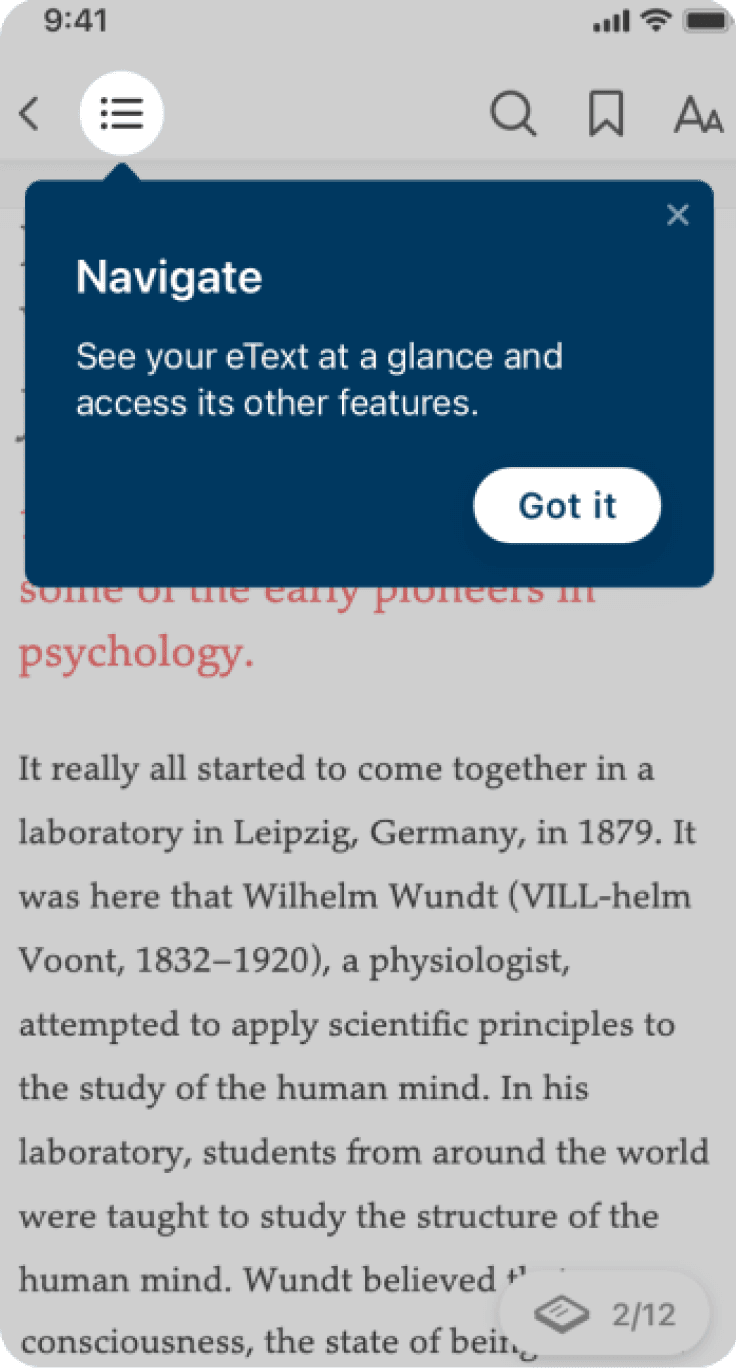
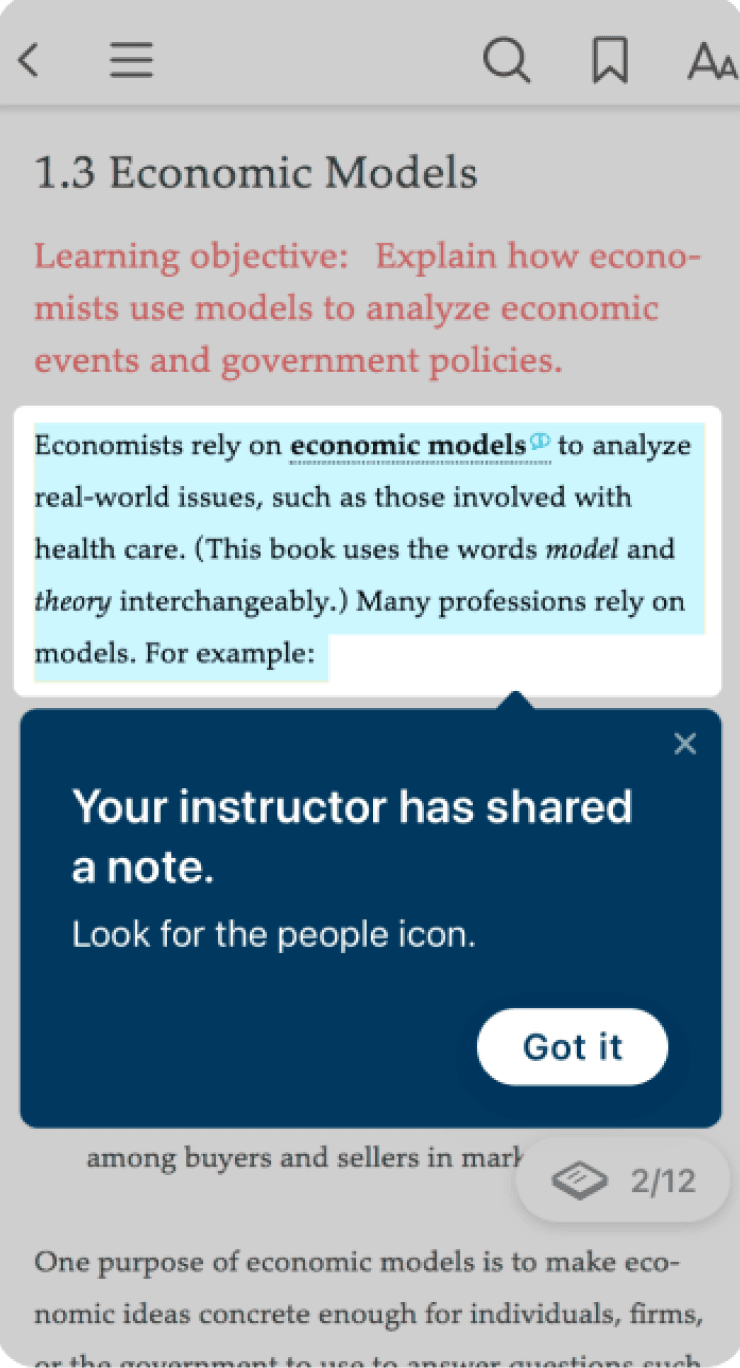
Action-driven tooltips
By highlighting a given elements in the app and darkening the space around it. Using coach mark to introduce new features and functionalities that user could easily missed. We use Appcue to create coach mark for more specific features, like setting, audio or study tools
eText Toolkit